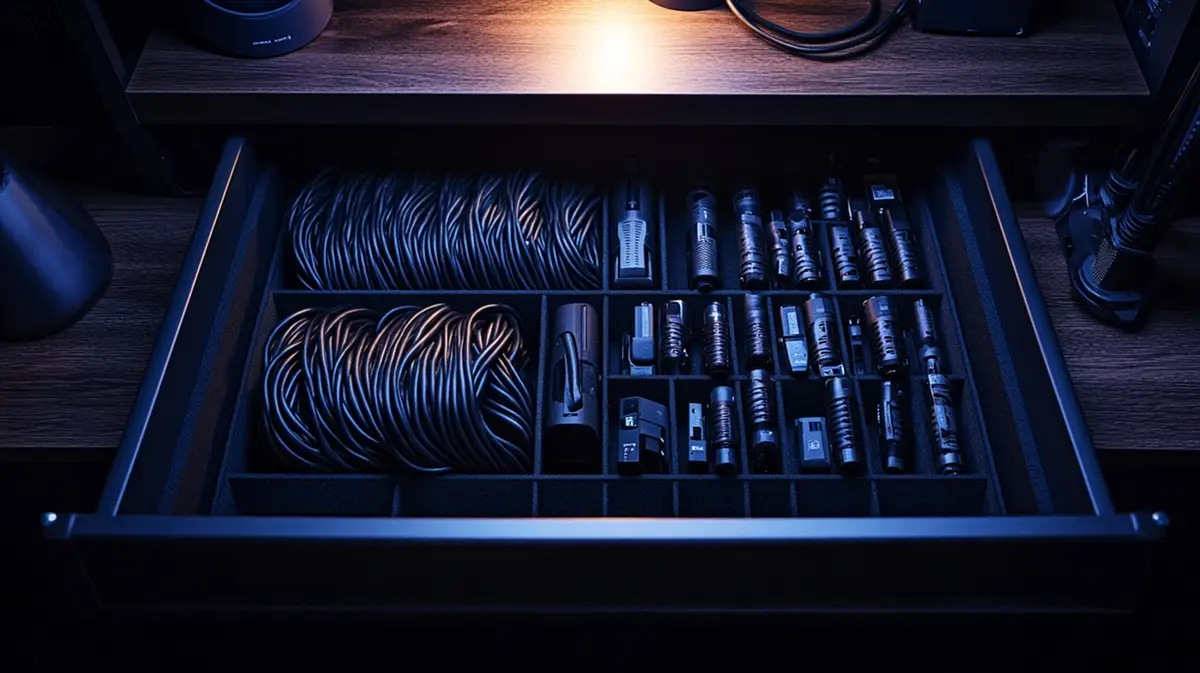
The Problem
Everyone has it. A tangled mess of chargers and adapters. You spend an hour searching for one specific cable, give up, and buy a new one.
The Komora Solution
Spend 15 minutes photographing your cables. AI identifies them (e.g. "HDMI Cable"). Next time, just search "HDMI" in the app.
How it works
Snap the Mess
Take photos of cables. AI fills in the Name and Description.
Auto-Tagging
The AI description usually includes the connector type (USB-C, HDMI).
Tech Support
Export your gear list to Gemini or ChatGPT to ask about compatibility.
AI Context Demo
I see your list of Tech Cables & Adapters Organizer. How can I help you with this collection today?
I need to connect an old laptop with VGA to a new monitor with HDMI. Check my inventory list: do I have the necessary adapters?
Thinking based on your inventory...
FAQ
Does it recognize connector types?
Yes, the AI description typically identifies if it's USB-C, HDMI, or VGA.
Can I share my inventory?
Yes, use the Web Share feature to send a link of your available equipment to your team.
Can I add location?
Yes, manually add 'Top Drawer' to the Location field so you know where to look.
Digitize your space.
No more "I forgot if I have this" or guessing model numbers. Check your stock or ask AI—anytime, anywhere.